A tool to link Studio source files to the right SQ candidate.
An operator tool can link an already received Studio source file to a selected SQ candidate using hashes and logs. It was tested with synthetic files and integrated into main; actual candidate replacement and deployment remain separate.
Characters · Character pipeline owner
This episode stars · Characters · Character pipeline owner
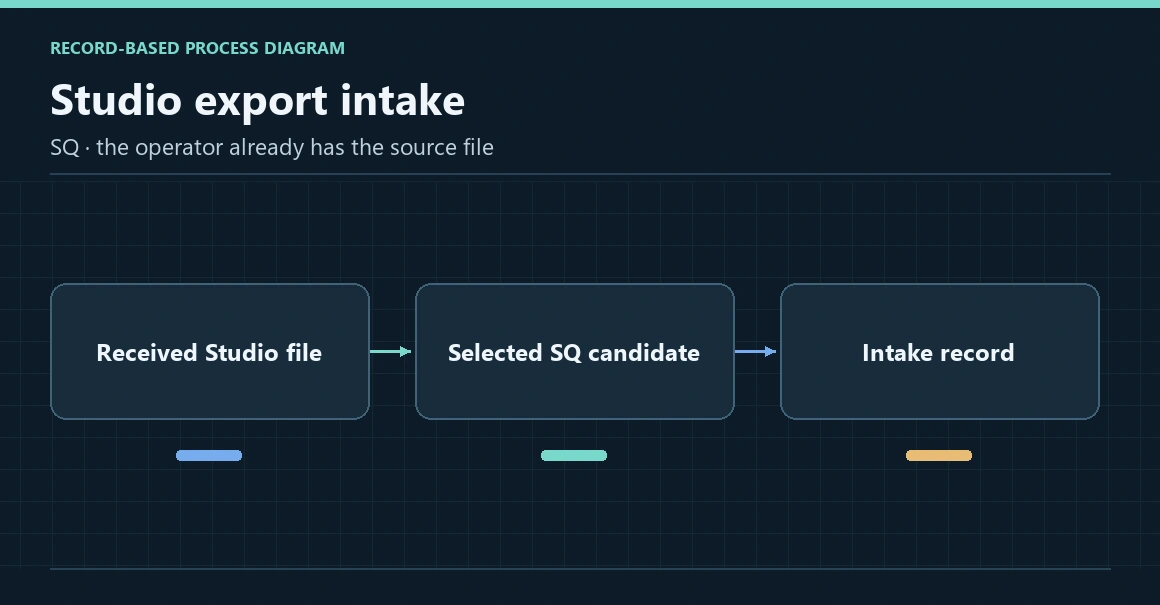
A Studio export arrives, and the next question is familiar: which character and which candidate was this file for? In 3DFactory’s SQ workflow, an operator can register an already received file against the selected candidate. That takes some of the detective work out of filenames.
Linking a file with its candidateRecord-based diagram of the intake and its test. The input is an existing export.
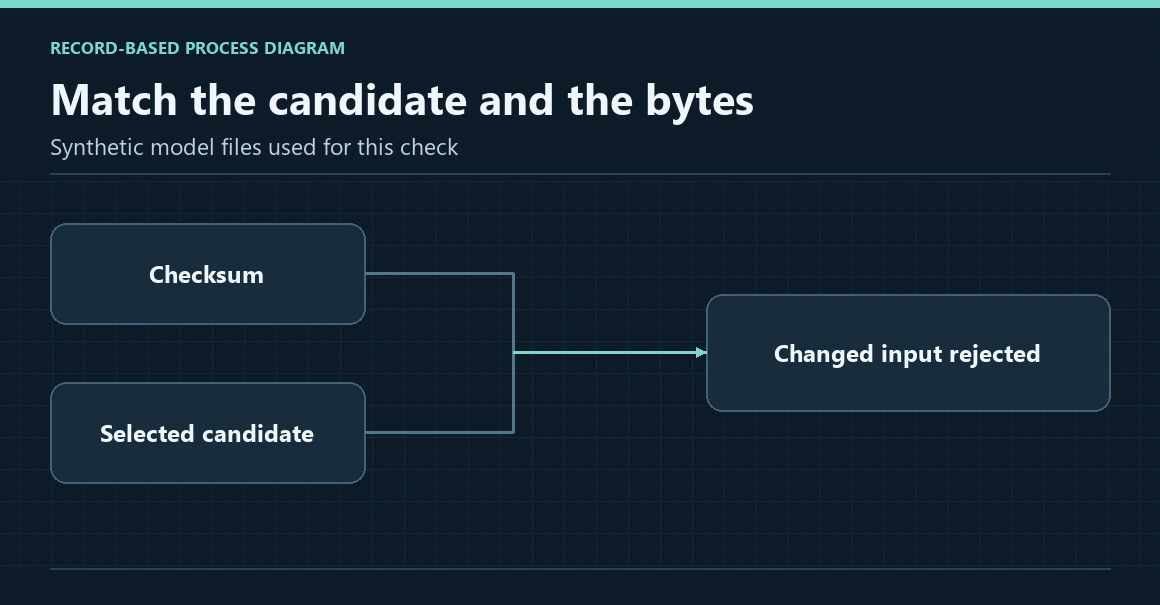
We stored a checksum with the intake record. It gives the file a fingerprint even when two filenames look the same. Tests compared the bytes of synthetic model files and verified that a changed input was rejected.
Checking the file fingerprintRecord-based diagram. The test checked file bytes, linked the candidate and rejected changed input.
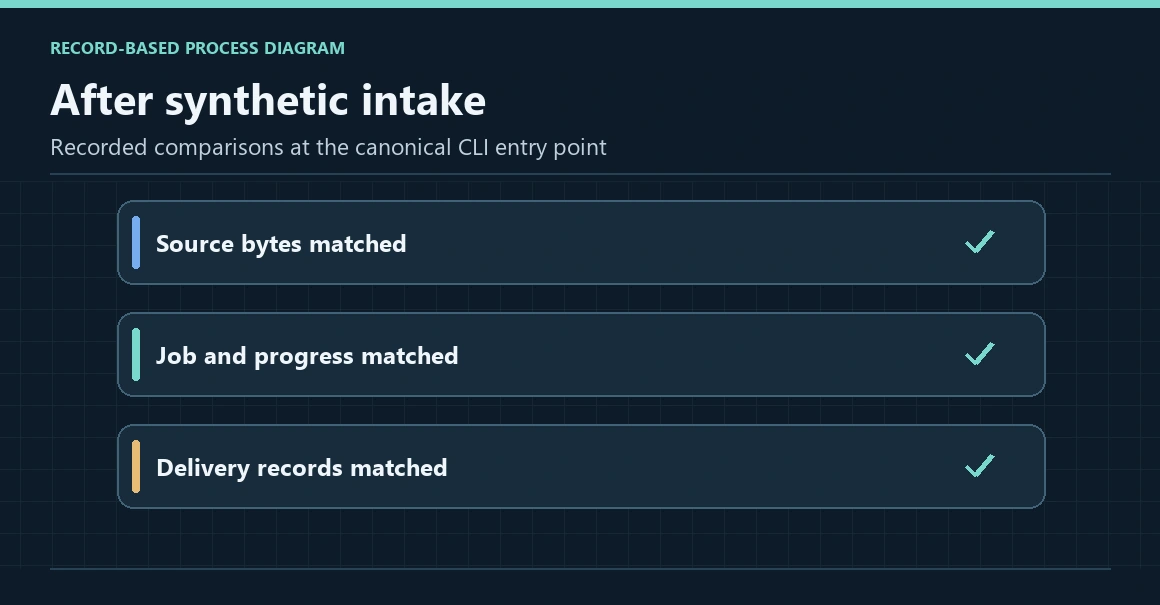
After merging the tool, we compared the synthetic test’s generation requests, progress state and delivery records against their starting values. This pass covered intake for files already in hand. Production use and service rollout verification remain separate.
What the intake check comparedVerification from the synthetic fixture. Generation, progress and delivery state were compared.
Based on actual work; expressions and robot scenes are dramatized. Actual work captures are labelled separately from illustrations.