A workbench for previewing hair on its own and saving candidates.
The existing character workbench gained hair-only previews, saved candidates and a GLB download path in main. Service deployment was not verified; fitting a candidate to the final character and importing it into Unity remain separate steps.
Characters · Character pipeline owner
This episode stars · Characters · Character pipeline owner
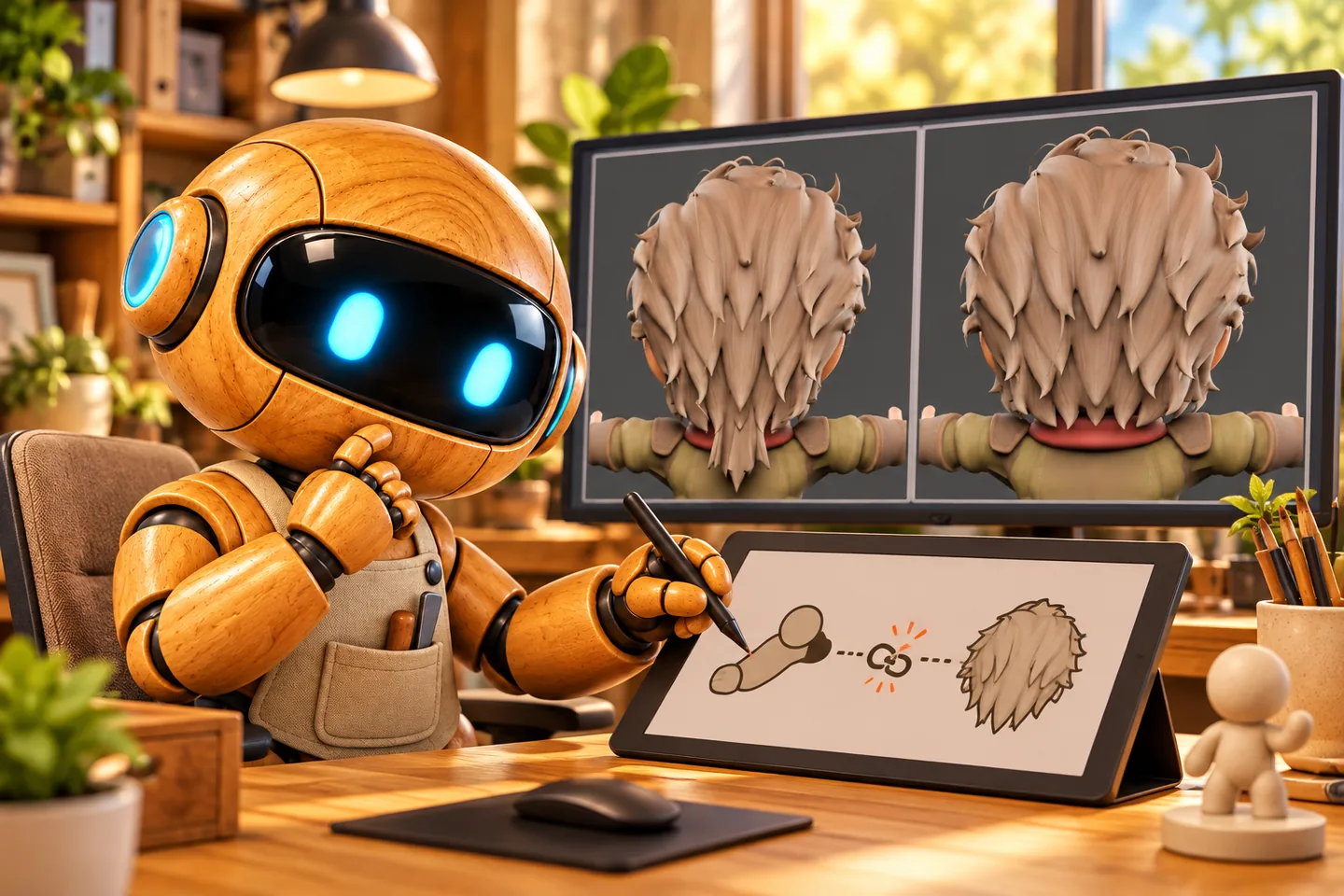
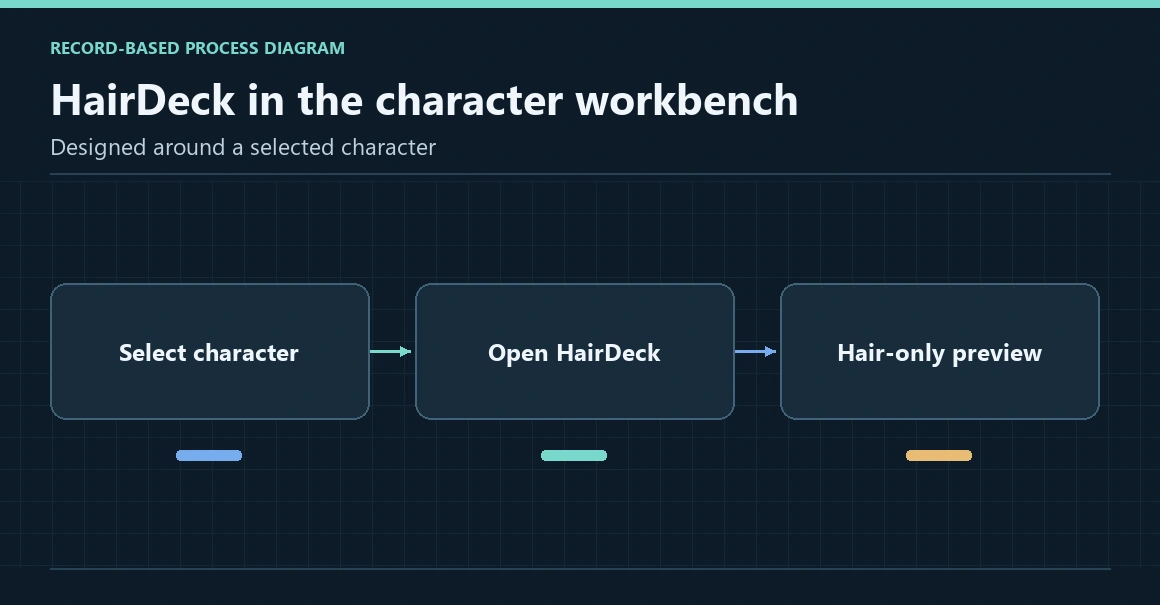
Comparing haircuts gets tedious if you have to pull up the whole face and body for every option. We added a hair-only preview to the existing 3DFactory character workbench. That gives the silhouette the room it needs on the review screen.
From a character to hair workRecord-based workflow diagram from source and operator notes.
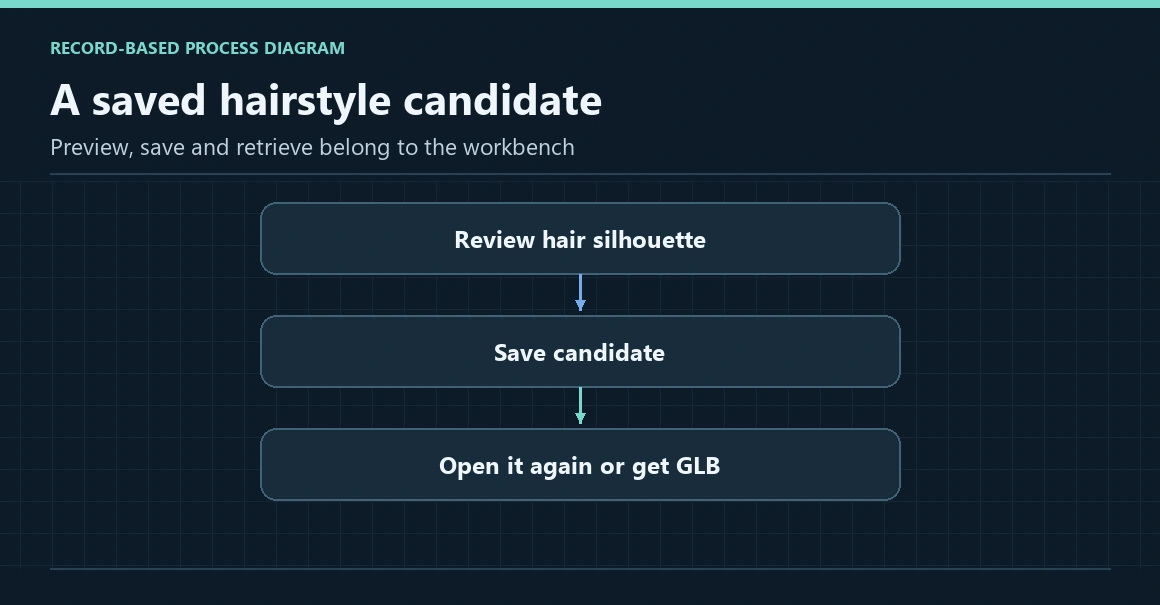
The workbench can save a hair candidate with its character so the same option can be opened again. A follow-up change exposed a GLB download for the saved candidate. Now the comparison has a place to live before anyone settles on a cut.
Saving and reopening a candidateWorkflow diagram from the workbench changes. The final fit is a separate check.
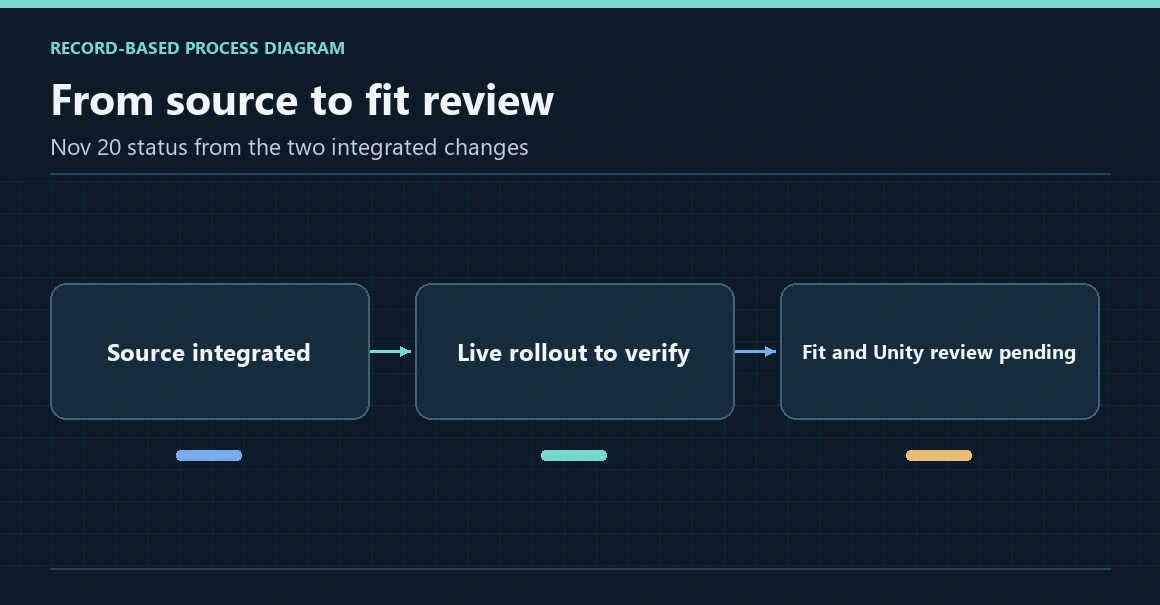
Both changes entered main. Fitting the hair to a final head and bringing it into the game each require their own checks. Live rollout also remains to be confirmed. The day’s work gave candidates a place to be viewed and retrieved.
Next checks: fit and engineSource integration and the remaining deployment, fit and Unity checks are shown at their recorded stages.
Based on actual work; expressions and robot scenes are dramatized. Actual work captures are labelled separately from illustrations.