Full-body Quad generation now offers one, two or four models, with the default and public configuration verified.
Characters · Character pipeline owner
This episode stars · Characters · Character pipeline owner
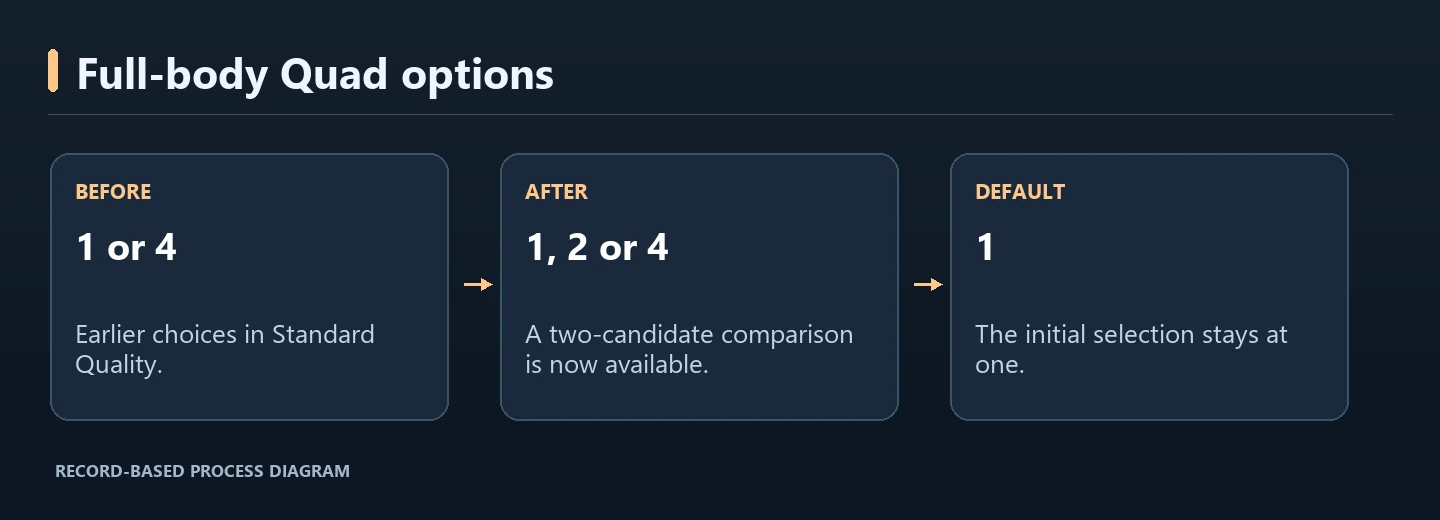
Sometimes one full-body model is enough, and sometimes the second option helps you make the call. The standard-quality Quad workflow in 3DFactory used to offer one or four. The team added two for those quick side-by-side decisions.
The choices before and afterRecord-based diagram of the deployed generation count options.
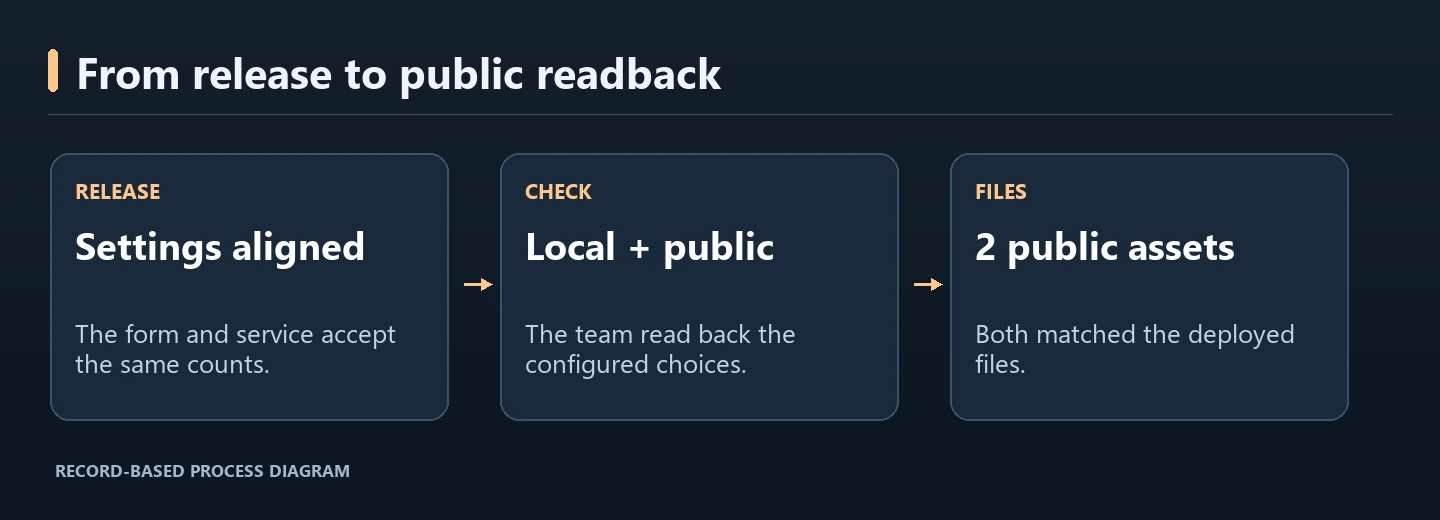
The form and the generation request now accept the same set. The first configuration read after restart still showed the earlier list. The team checked both the local and public settings again and matched the two public web assets to the deployment. The live list read one, two and four, with one selected by default.
What the team checked on the live serviceDeployment and public readback diagram from the verified release record.
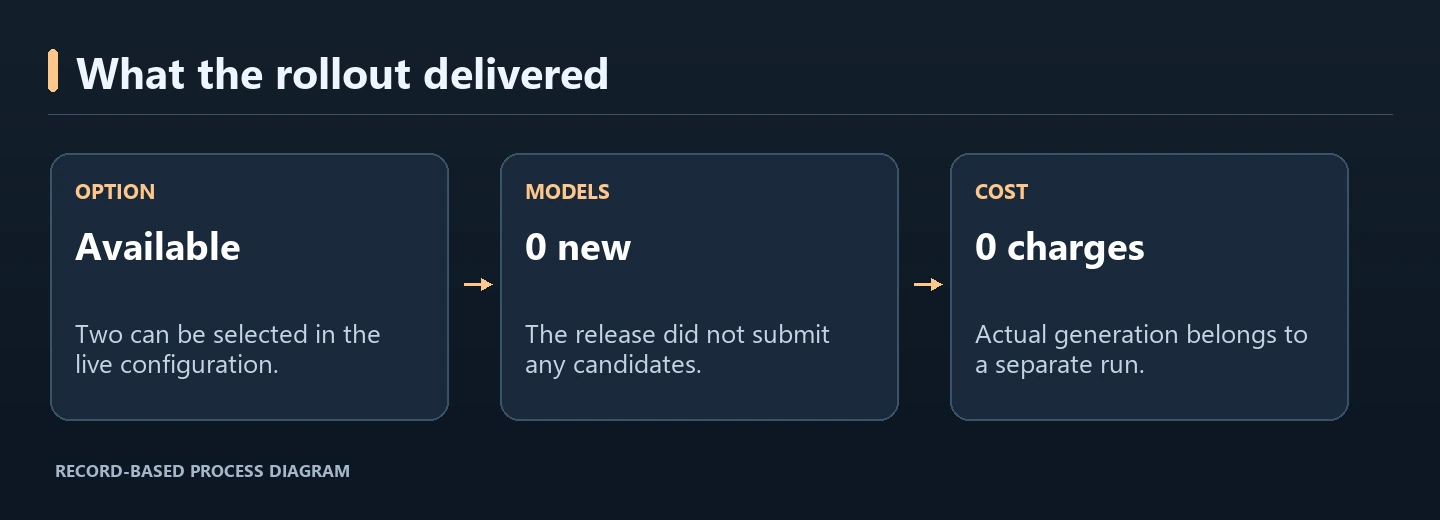
This release delivered the choice. It created zero models and incurred zero generation charges. Individual character registrations belong to their production runs. The first side-by-side comparison will happen when someone actually puts a character on the bench.
The option is live. Generation comes later.Diagram of the deploy record showing no candidate creation or charge during rollout.
Based on actual work; expressions and robot scenes are dramatized. Actual work captures are labelled separately from illustrations.