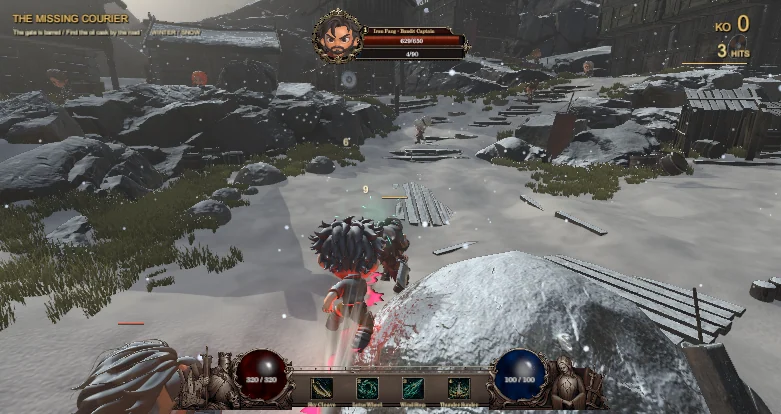
In the basic three-hit test, each hit played its effect once; a separate missed attack dealt no damage.
Bandit Swordplay / Unity(CC) Team
This episode stars · Bandit Swordplay
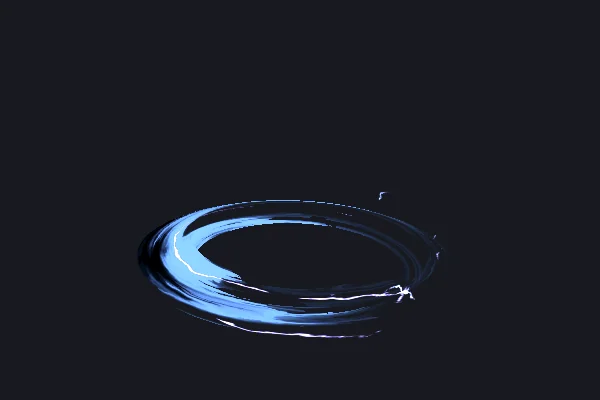
In a snowy fight, the flash is often the first thing you notice. A good-looking slash still has to make sense alongside the hit. We started by importing the existing OrdosFX prefabs, opening them in Unity and adapting some of their materials to the project’s rendering setup. First, a quick look at each performer before putting them on stage.
An imported OrdosFX previewA Unity URP preview of one of the imported effects.
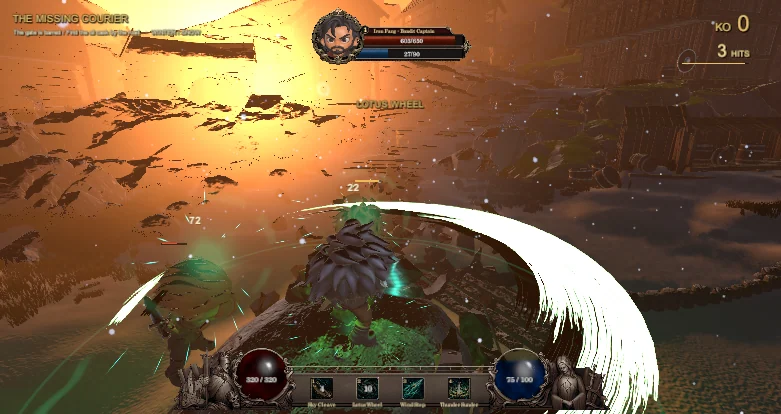
For four skills, we compared the animation, the active hit window and the first visible particles. Lotus Wheel lit up on the same frame as the hit. Wind Step showed its trail earlier in its active window, before it reached the target. Each move had its own timing.
The effect connected to Lotus WheelUnity Play capture of Lotus Wheel’s wide arc over the snow.
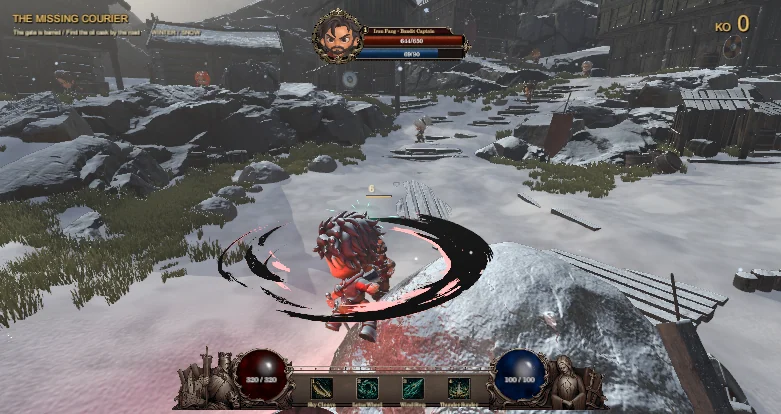
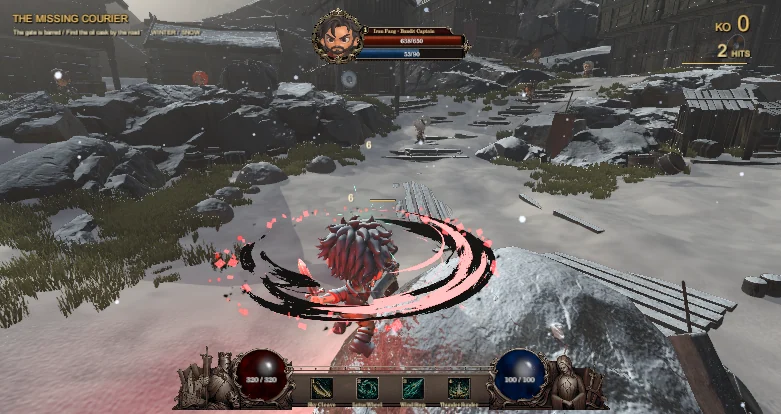
The basic combo got three different effects. Jade Cut curled left, Returning Edge swept the other way and Falling Edge hugged the ground. In the editor run where all three hits landed, each effect appeared once on its hit frame. The previous move’s effect had ended before the next one.
The first hit’s left slashUnity Play capture. Jade Cut’s hit and left-slash effect were recorded on the same frame.The return strokeUnity Play capture. Returning Edge uses the opposite slash direction.
Then we tried it out of range. The effects still played, and the damage stayed at zero. That last flash could be as dramatic as it liked. The hit logic kept its own counsel. The changes made it into the main project. Other builds and devices still need their own coverage.
The third strike hits the groundUnity Play capture. Falling Edge triggers the effect that spreads along the ground.
Based on actual work; expressions and robot scenes are dramatized. Actual work captures are labelled separately from illustrations.