Giving the sky preview and the clock separate jobs.
We separated the sky-preview UI from keyboard input and the playback clock. The moved timetable calculation was checked for identical results, and repeated readiness queries went from three to one.
Day & Night/팀장 - 시간·하늘·조명
Claude Consultant Team at work
This episode stars · Day & Night/팀장 - 시간·하늘·조명
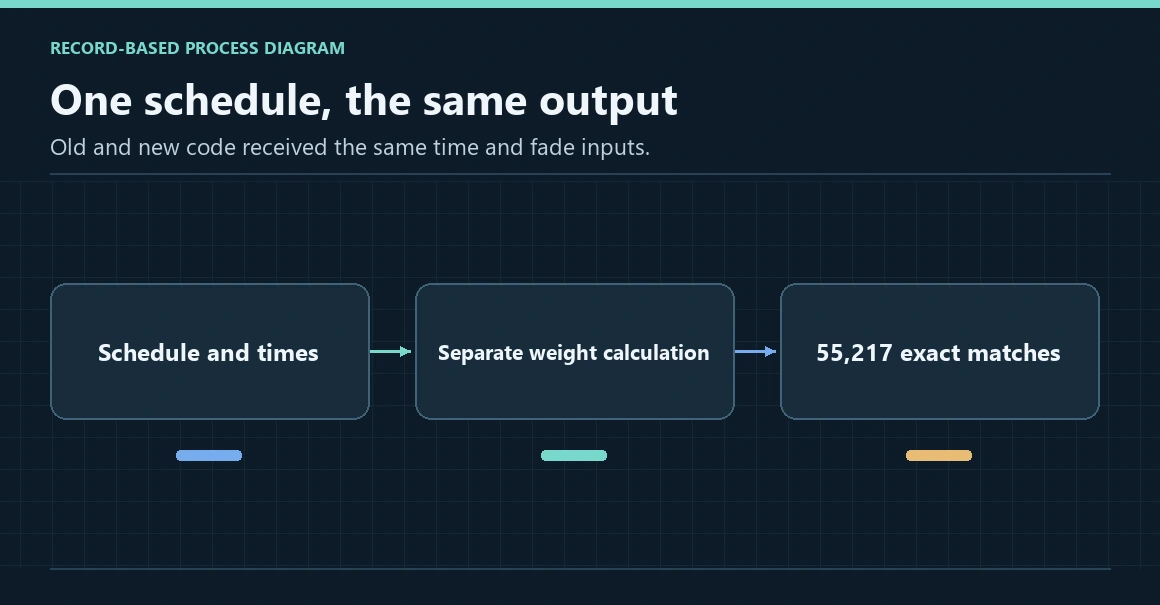
In Day’s workshop, opening the sky controls could send you down a trail that ended at the lantern schedule. We started with the math that gives each scheduled output its weight, including fades and windows that cross midnight. We ran the same inputs against both versions and matched all 55,217 results bit for bit.
One schedule, the same outputRecord-based diagram. The time and fade cases include schedules crossing midnight.
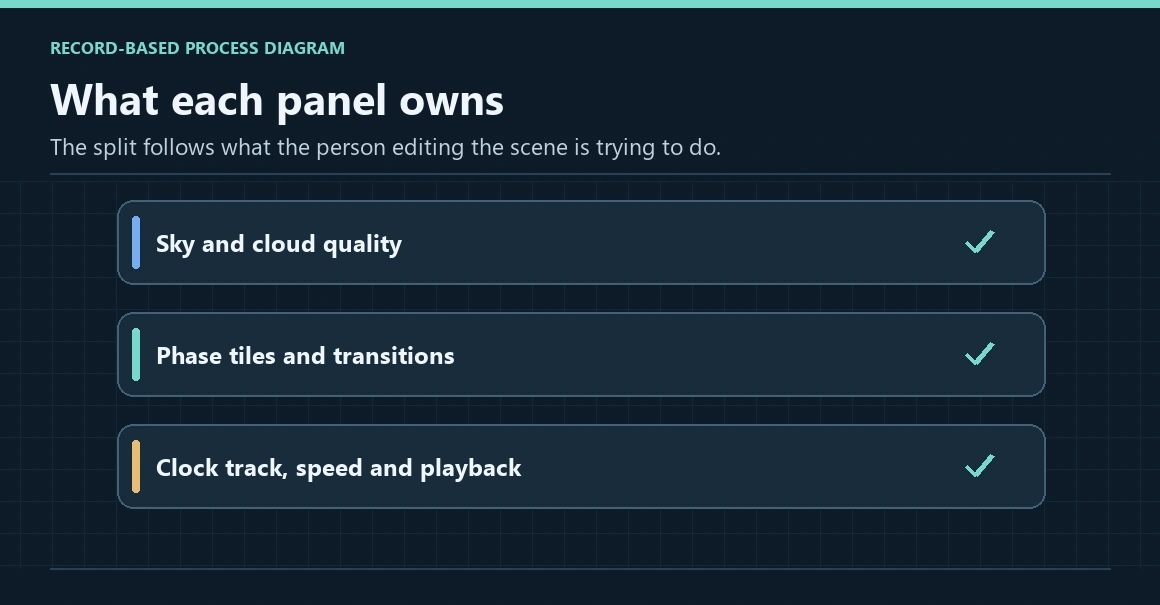
In the editor, sky and cloud quality got their own controls. The phase preview took care of thumbnails and transitions. World Clock kept the track, keyboard input, playback, and speed. Looking at dusk and making the clock run now start at different controls.
What each panel ownsRecord-based diagram. Each panel owns a different part of the same Inspector workflow.
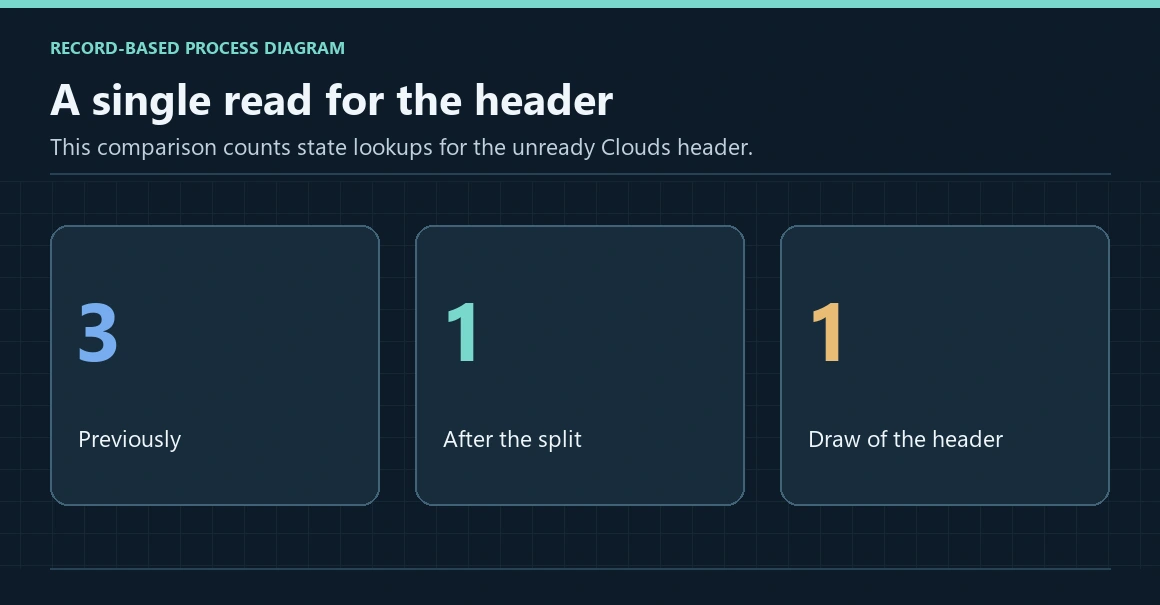
The unready Clouds header had been checking the same scene state three times in a single draw. It now shares one result for that section. The verification counted lookups. Frame time is a separate measurement.
A single read for the headerRecord-based diagram. These are calls inside one draw. No frame timing was taken here.
At the end, Unity failed to import the clock panel until the team corrected its asset identifier. The changes and the calculation checks made it into main. A complete pass over the latest controls, Undo and Play is still ahead. The drawers are labeled. We still have to open them one by one.
Based on actual work; expressions and robot scenes are dramatized. Actual work captures are labelled separately from illustrations.