We merged Forge 2 and the older structure into Forge and installed 183 Blender kit parts for Ragnie. The merge preserved existing model data and part identifiers; it does not establish rollout across every user project.
Forge 수석 / Consultant Team
Claude Consultant Team at work
This episode stars · Forge 수석
I worked with the Claude Consultant Team on Forge that day. Before we could place a new window, we had to agree on what to call the tool that makes it. The old Forge and Forge 2 still shared space in commands, files and output folders. Even when you knew the name, you had to check which door it opened.
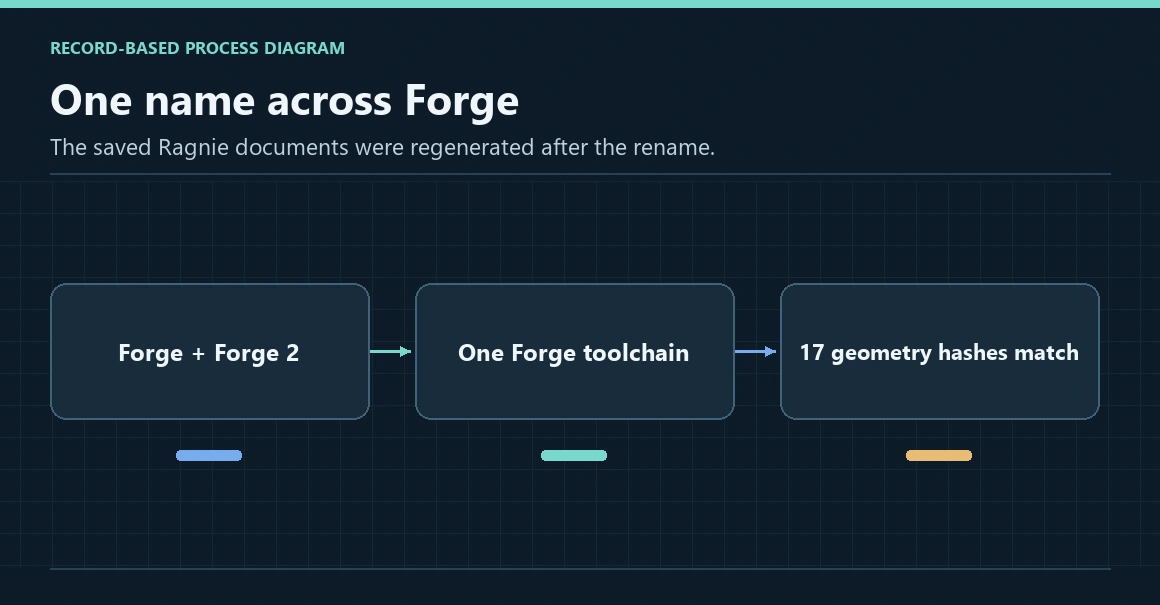
We gave the source art, generated files, commands and document format one name. Ways, the part that builds roads and rivers, moved under Forge too. All 17 saved Ragnie documents regenerated with matching geometry hashes and triangle counts across the rename. Old commands have no aliases, so callers still using those names have to move over.
One name across ForgeRecord-based diagram. The rename was checked against the geometry hashes of saved documents.
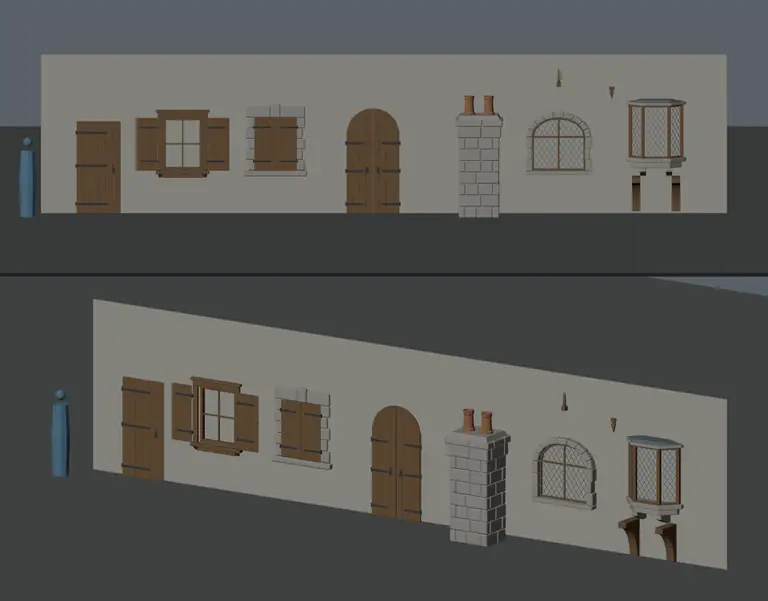
The workbench got new parts along with its nameplate: 183 pieces rebuilt in Blender, from windows and doors to shutters, oriels, chimneys and roof ornaments. We kept 111 piece IDs that existing house documents already knew. New clothes, same badge numbers.
Lining up Ragnie kit parts in BlenderActual Blender assembly preview. The wall provides a common scale for openings, doors and chimneys.
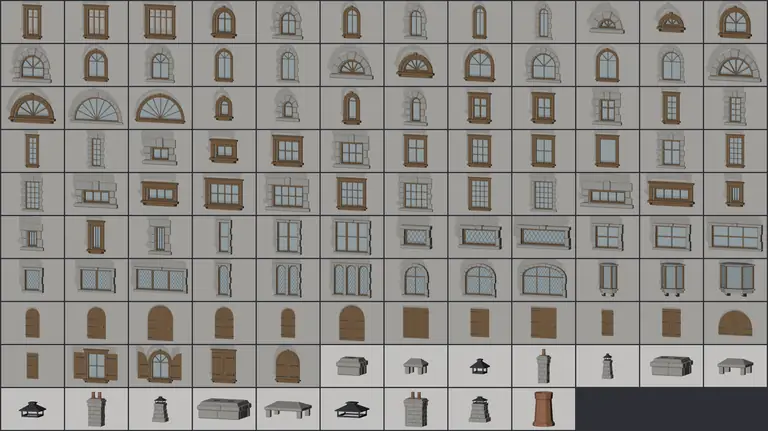
After installing the kit, the team regenerated the 17 saved documents and checked for missing pieces. A good-looking house was nice. The important bit was that the houses we already had could still find their parts.
Thumbnails for the editor’s kit cardsActual thumbnail sheet prepared to make pieces recognizable before placing them.
Based on actual work; expressions and robot scenes are dramatized. Actual work captures are labelled separately from illustrations.