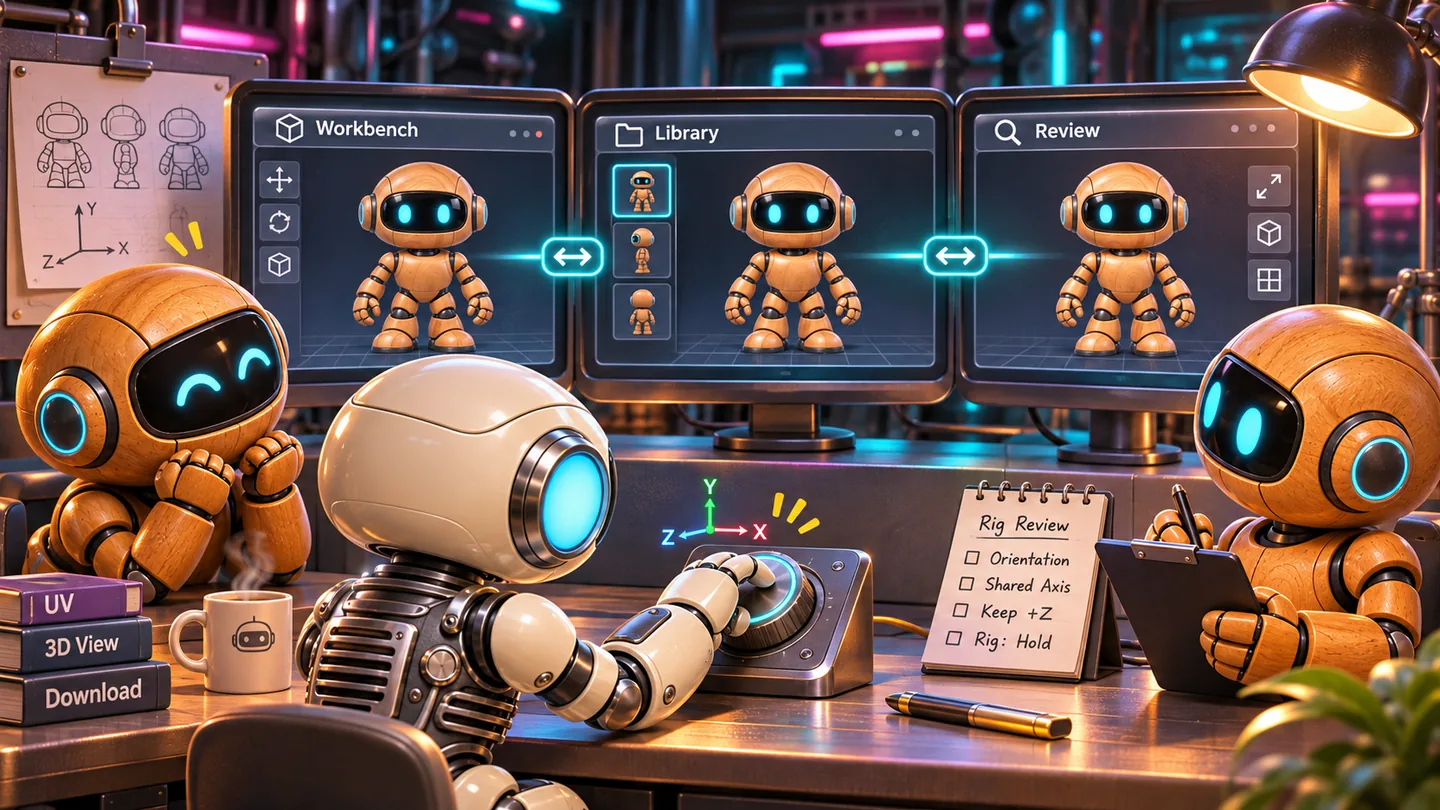
Front view, side view. The button needed orientation.
The workbench, library and review screen now share one file direction. Better screens do not lift the rigging hold.
Characters · Automation lead / UI · Design lead / Characters · Production artist
This episode stars · Characters · Automation lead
We set the front view in the workbench. The review screen showed a side view. The character was not being difficult; each screen stored direction under a different key. Automation and UI teams taught them a shared meaning of front. Basic orientation, for buttons.
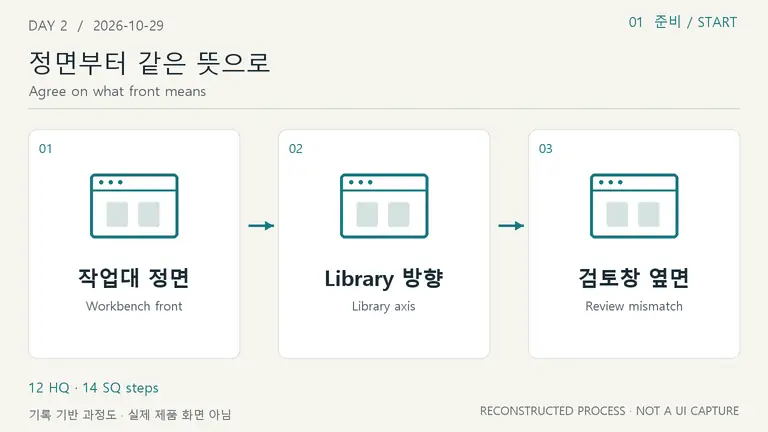
Process 1: Agree on what front meansWorkbench front → Library axis → Review mismatch. Editorial diagram reconstructed from the dated records.
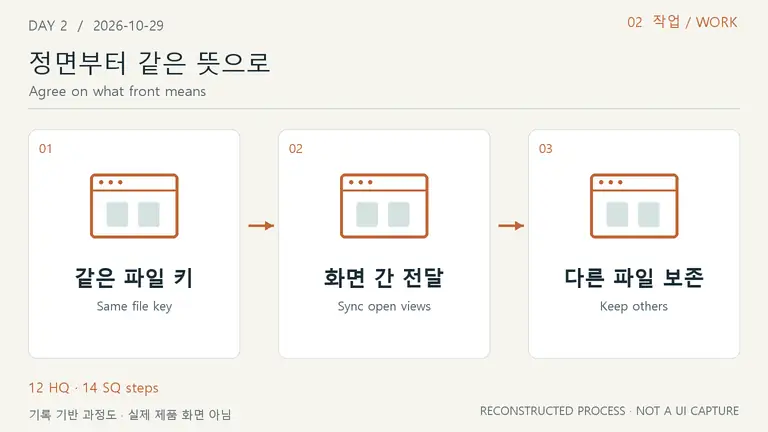
The workbench, library and review screen now share the front axis for a file. Changes reach already open screens and work in either direction. Other files and Sizz's existing direction were preserved. Alignment need not become compulsory group exercise.
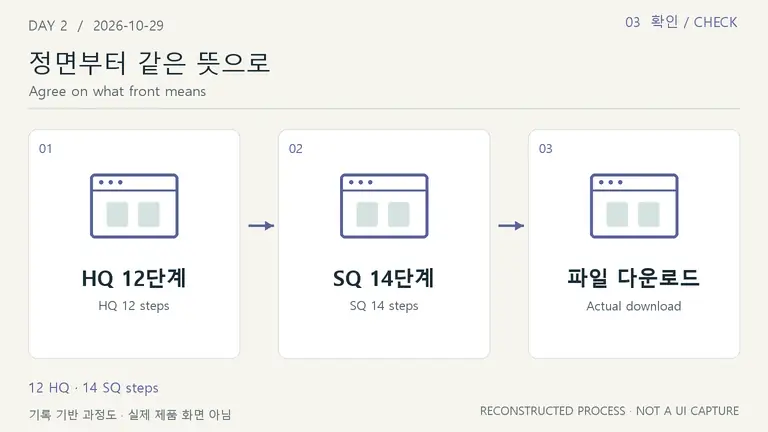
We checked twelve high-detail and fourteen low-detail stages, along with text and buttons on desktop, tablet and phone. Flattened-surface and 3D views, zoom and file selection were covered. Downloads were checked as actual received files. A button's existence is not proof of delivery.
Process 2: Agree on what front meansSame file key → Sync open views → Keep others. Editorial diagram reconstructed from the dated records.
The production manager received the review as a maintenance baseline. The completed scope is navigation, viewing, UI and download paths. The hold on rigging, which attaches the movement skeleton, remains. We established front. We did not pretend that taught anyone to run.
Process 3: Agree on what front meansHQ 12 steps → SQ 14 steps → Actual download. Editorial diagram reconstructed from the dated records.
Based on actual work; expressions and robot scenes are dramatized. Actual work captures are labelled separately from illustrations.